01
Register
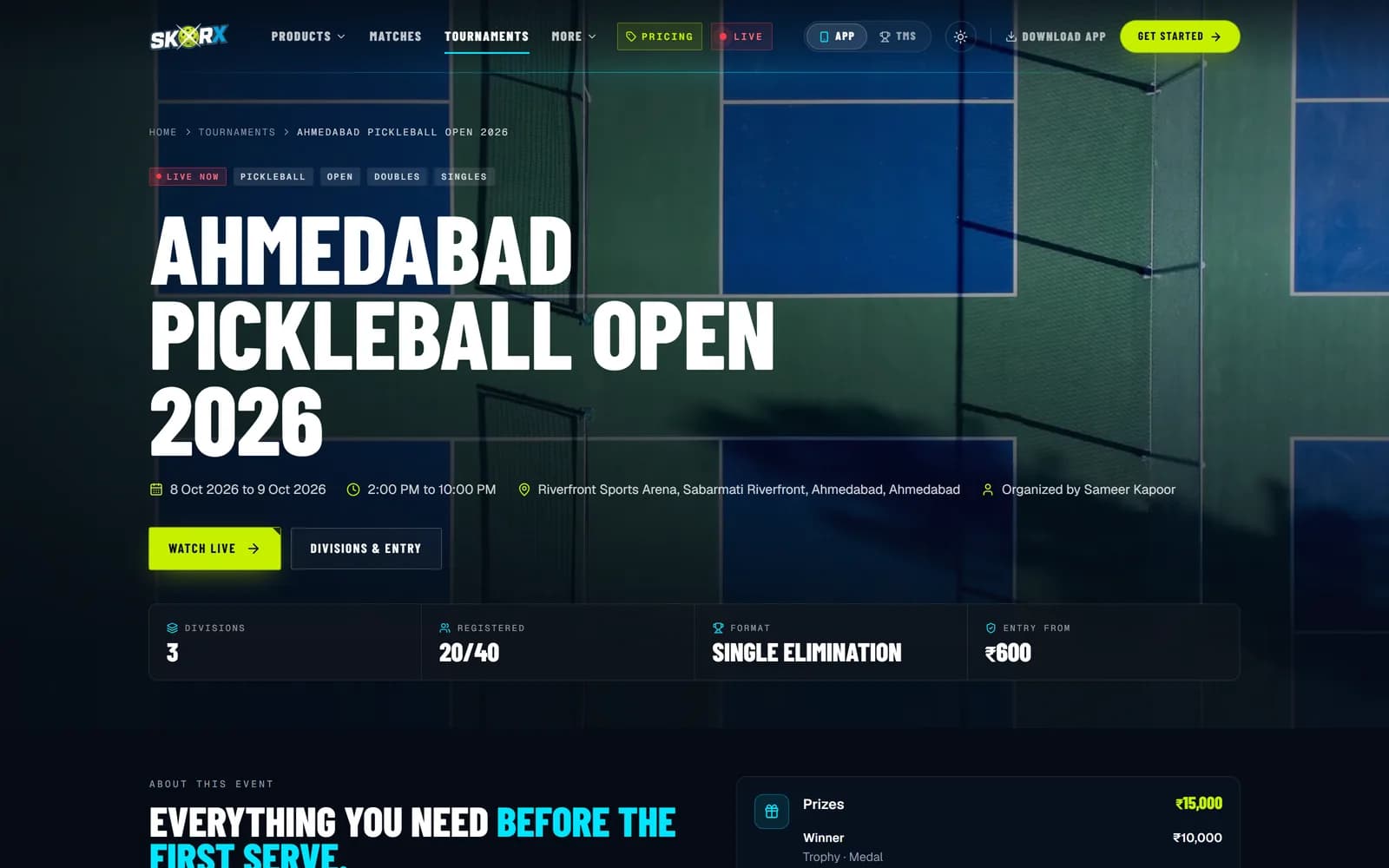
Players sign up to divisions from the public tournament page.
Run the tournament.
The SkorX Tournament Management System (SkorX TMS) is web-based pickleball tournament software for registrations, divisions, draws and brackets, court scheduling, check-in, referee scoring, live scores, streaming and standings.
01Tournament command center
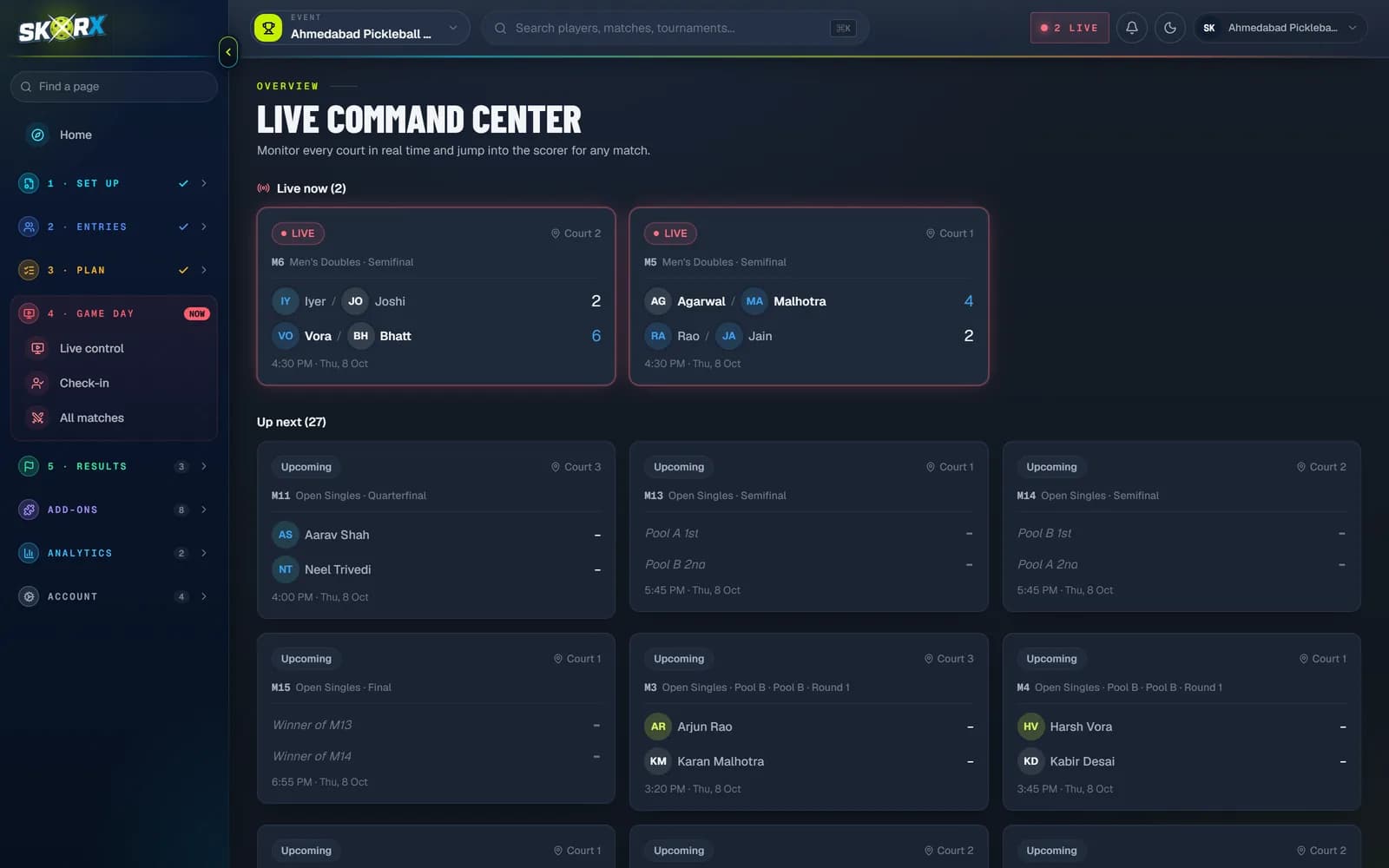
These are the actual SkorX TMS screens organizers use on event day. Pick a module to see it. REAL SKORX TMS SCREENS
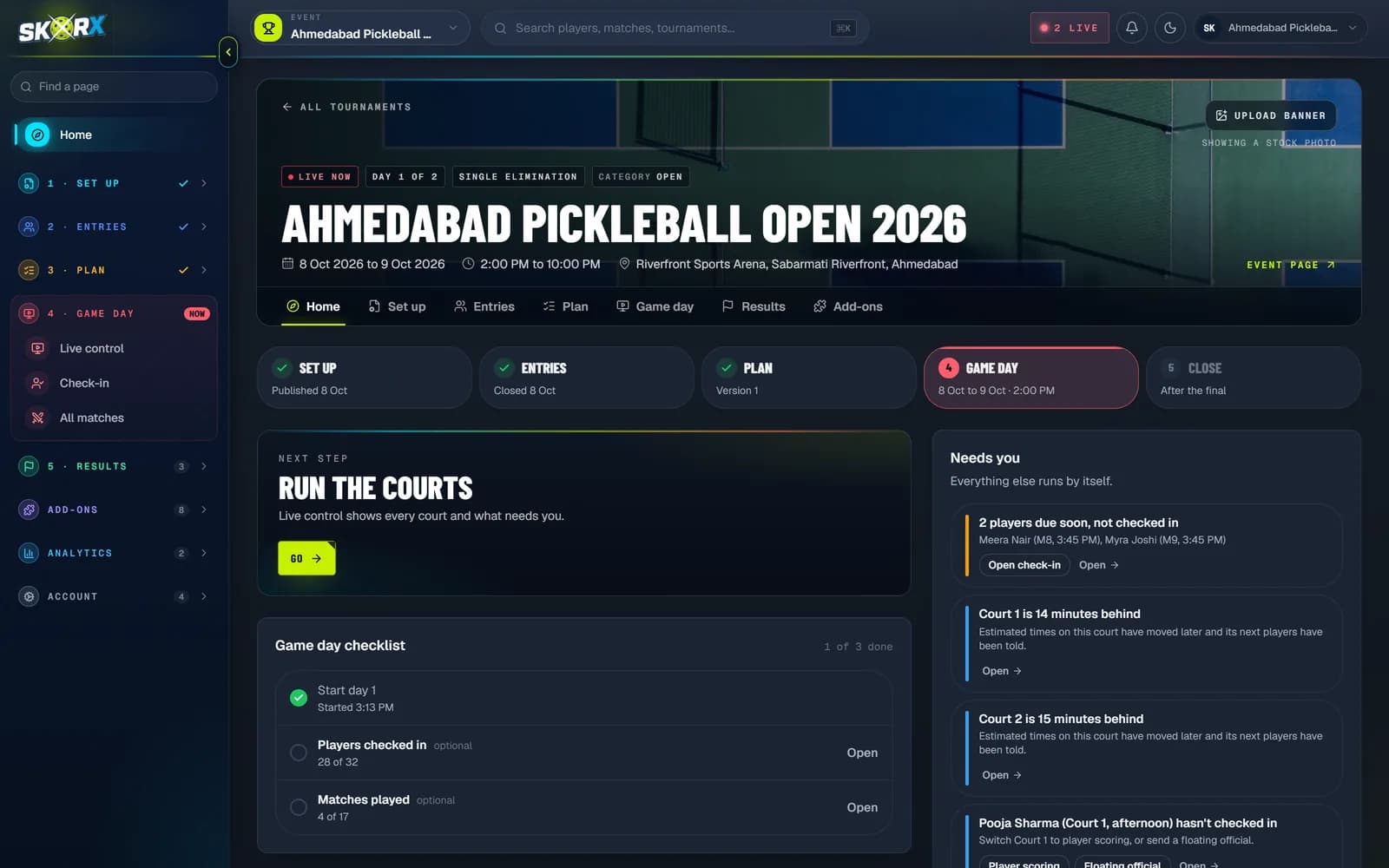
Overview.Registrations, revenue, today's matches, what's live and what needs your attention.
02SkorX Tournament Management System
STEP 01
Set up events, divisions and match rules in a guided wizard.
STEP 02
Share a registration link and manage entries.
STEP 03
Mark players and teams ready at the desk.
STEP 04
Generate brackets, round robins and pools.
STEP 05
Auto-assign matches to courts and time slots.
STEP 06
Call matches to courts from the command center.
STEP 07
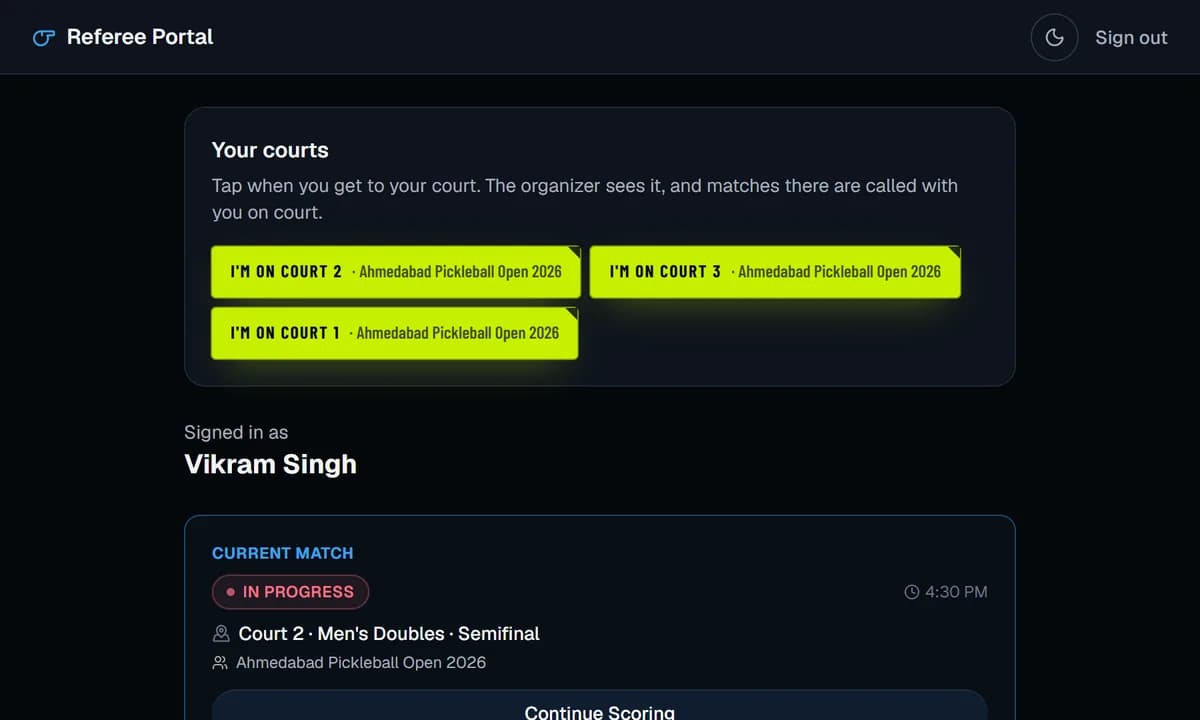
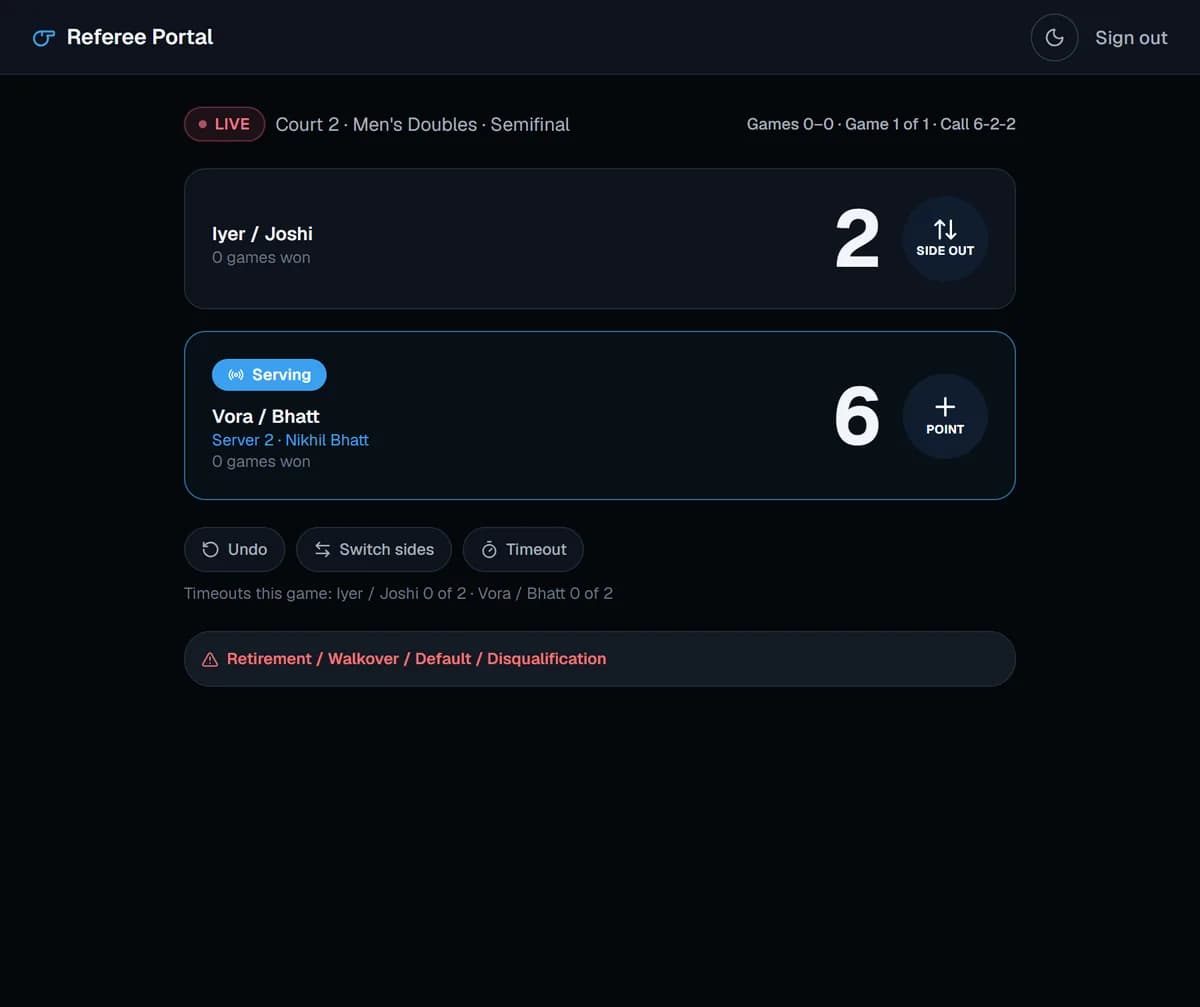
Referees score live from a focused portal.
STEP 08
Winners advance through the draw automatically.
STEP 09
Leaderboards and points tables recalculate.
STEP 10
Results are ready for rating providers.
06Tournament lifecycle
Swipe: every stage below is a real SkorX screen, and each one feeds the next.
Players sign up to divisions from the public tournament page.
The desk marks every player and team ready.
Seeds become brackets, pools or round robins.
Matches land on courts without conflicts.
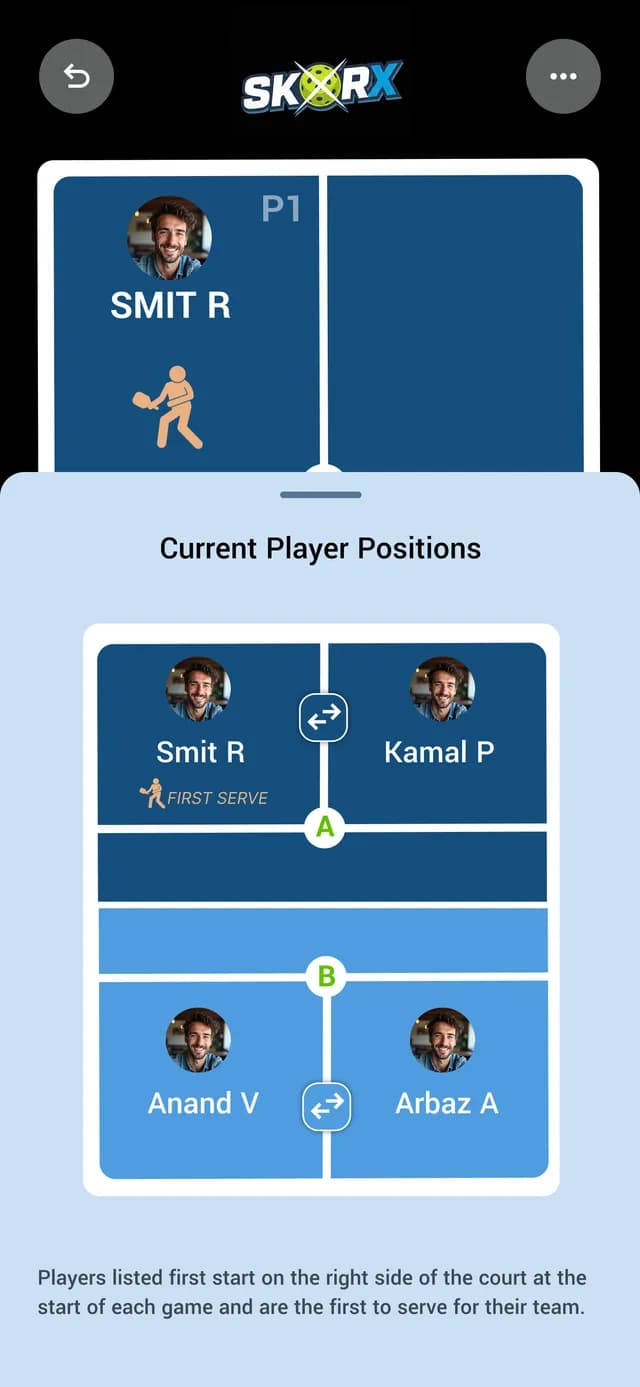
Players see where to stand and who serves.
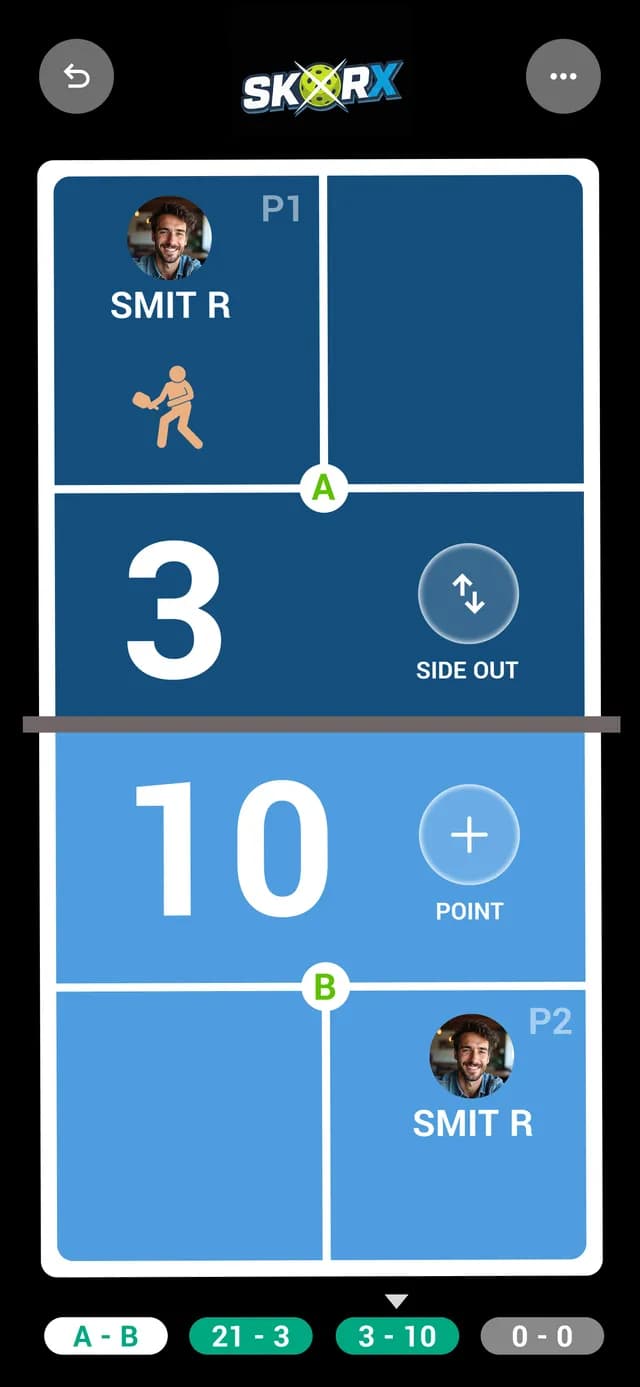
Referees score point by point, by the rules.
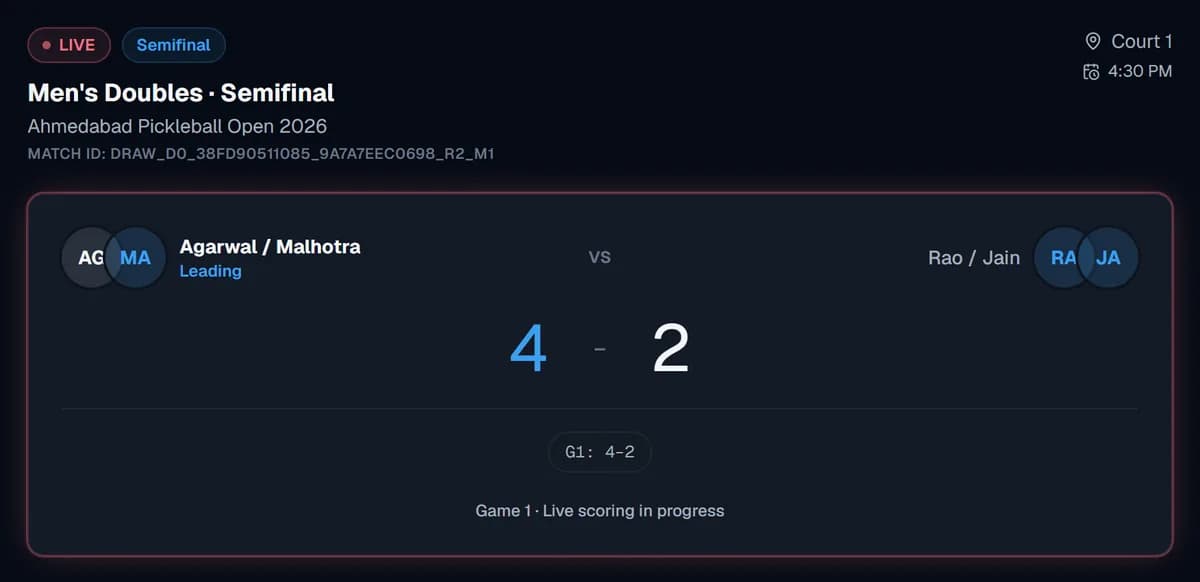
Anyone can follow the public match page.
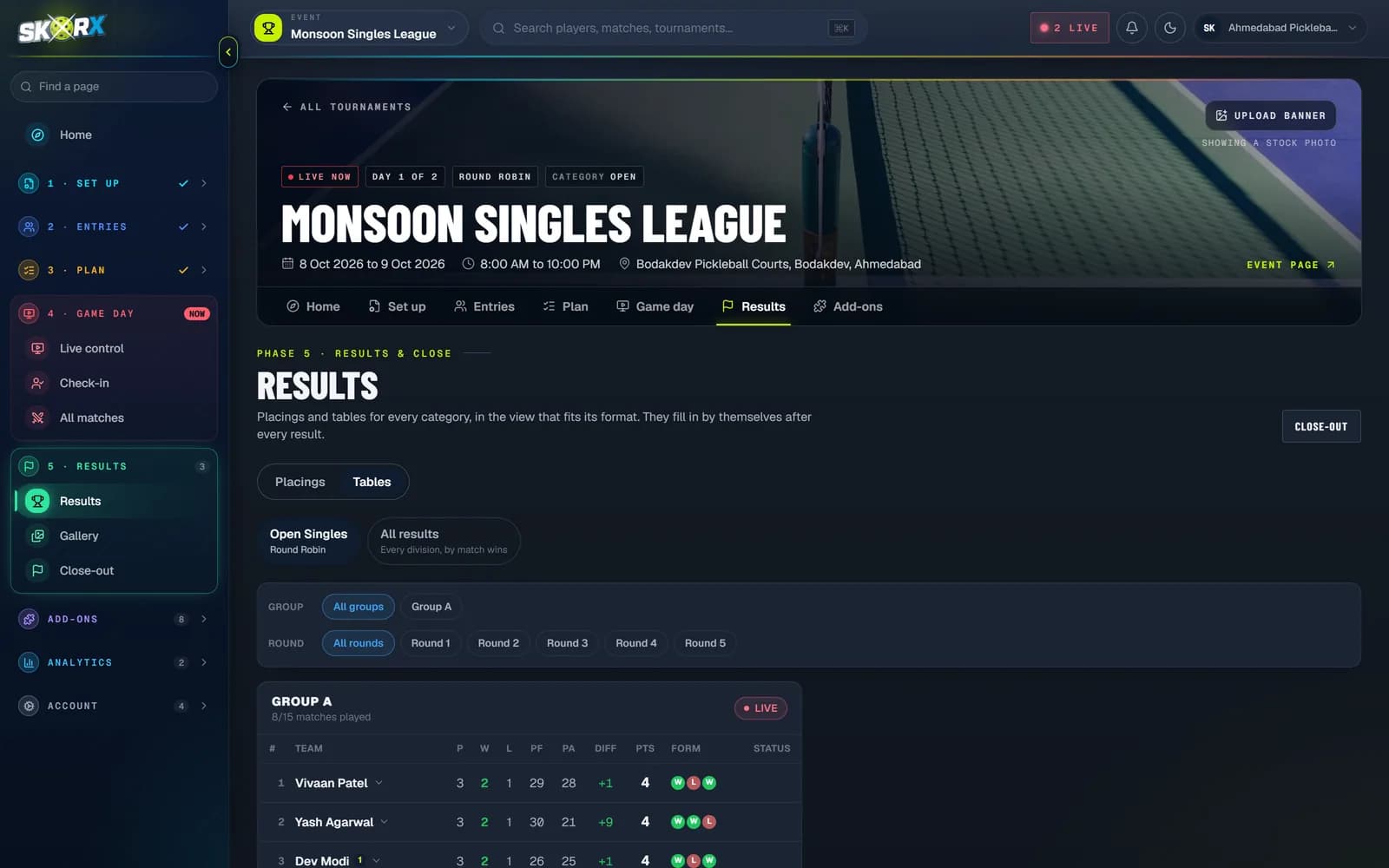
Winners advance. Standings publish themselves.
03Tournament creation
The format comes first: single elimination, round robin, or a custom tournament of pools or groups into a knockout. Then a guided wizard for the basics and divisions, and a planner that estimates matches, courts and time.
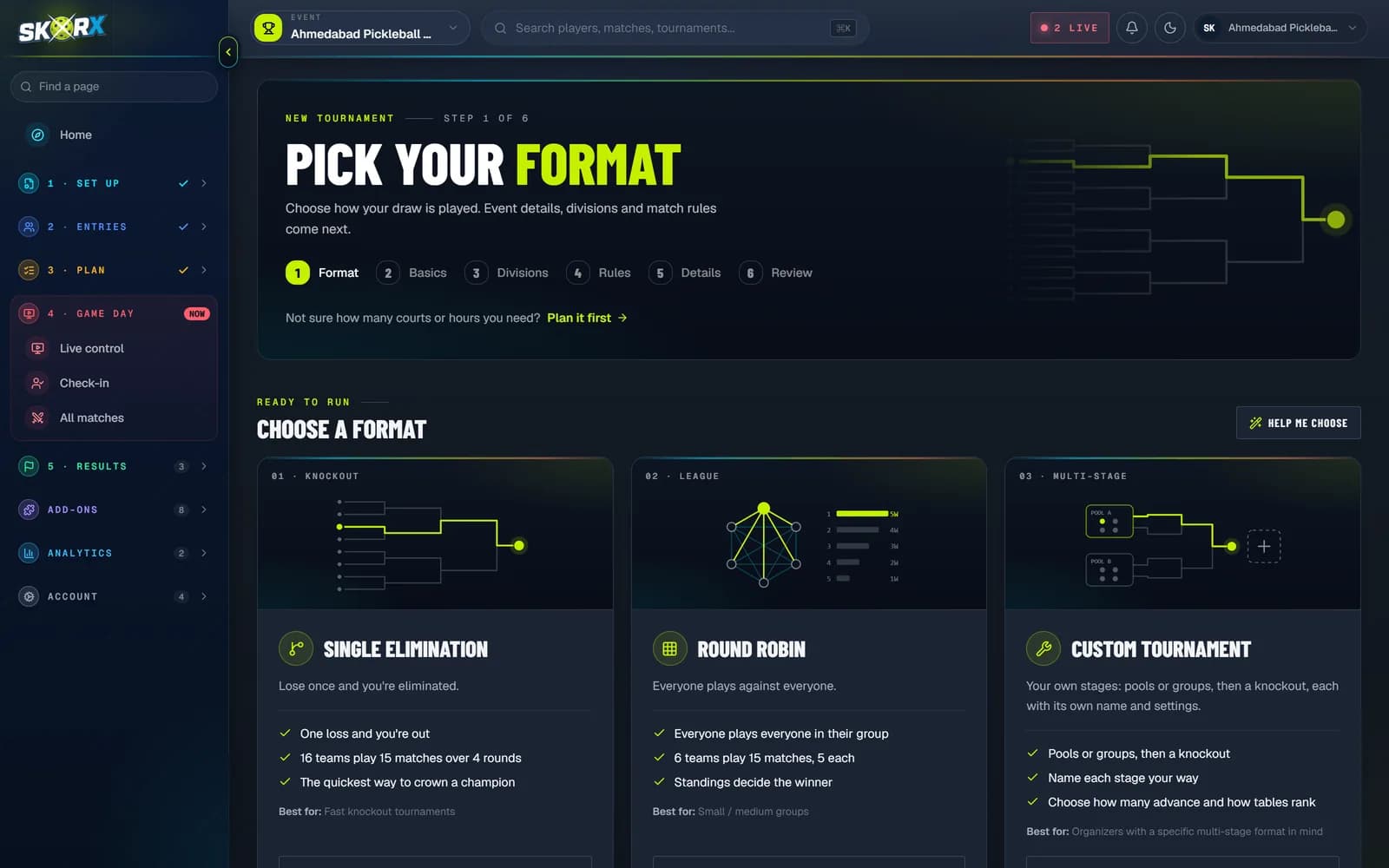
Format picker.Choose from the formats pickleball events actually run, or answer a few questions for a recommendation.
04Draws & brackets
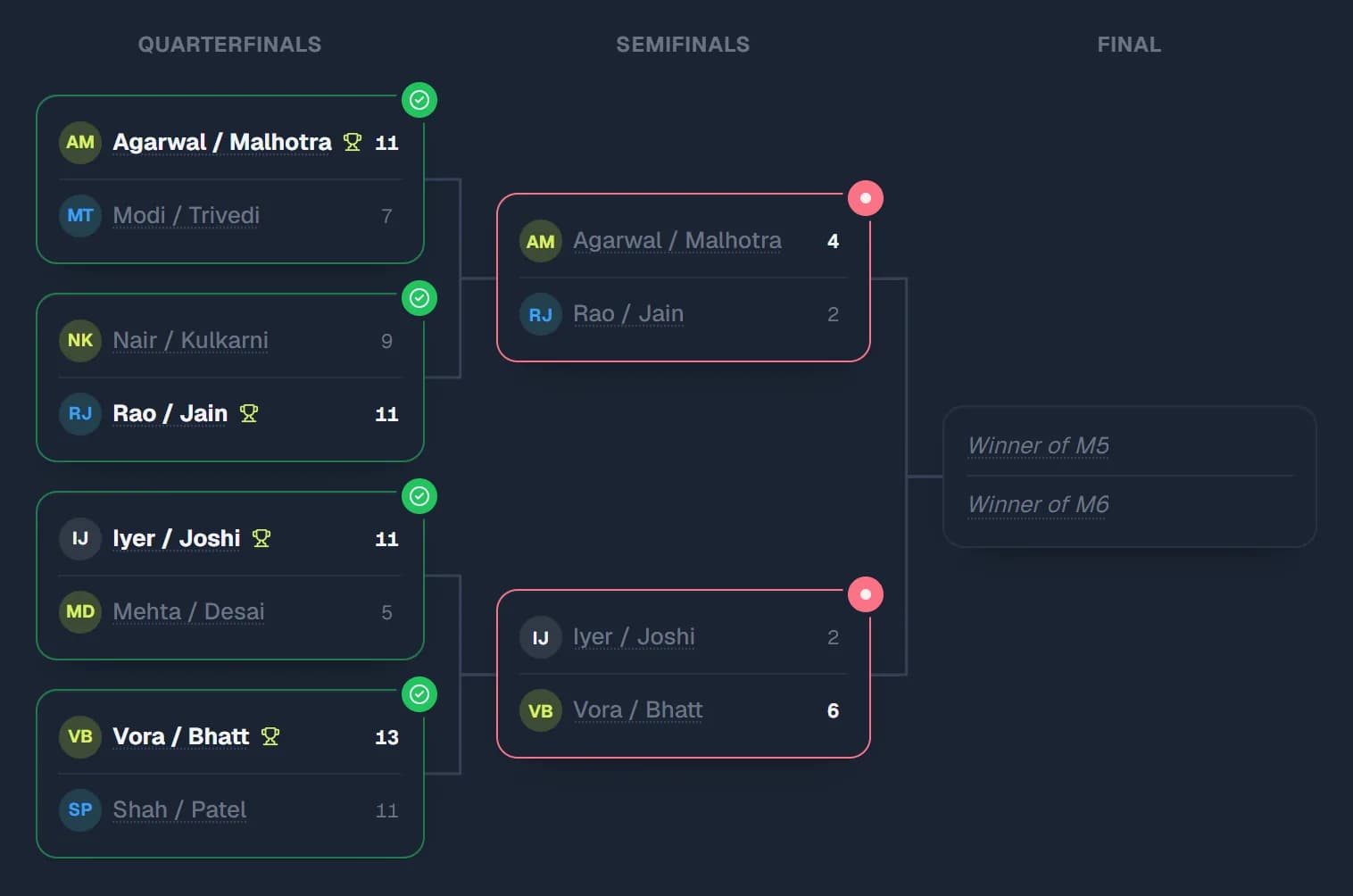
Brackets, pools and round robins generated from your format. When a result is submitted, winners move on and tables update by themselves.
Knockout.Single elimination: winners move on by themselves, with live matches highlighted.
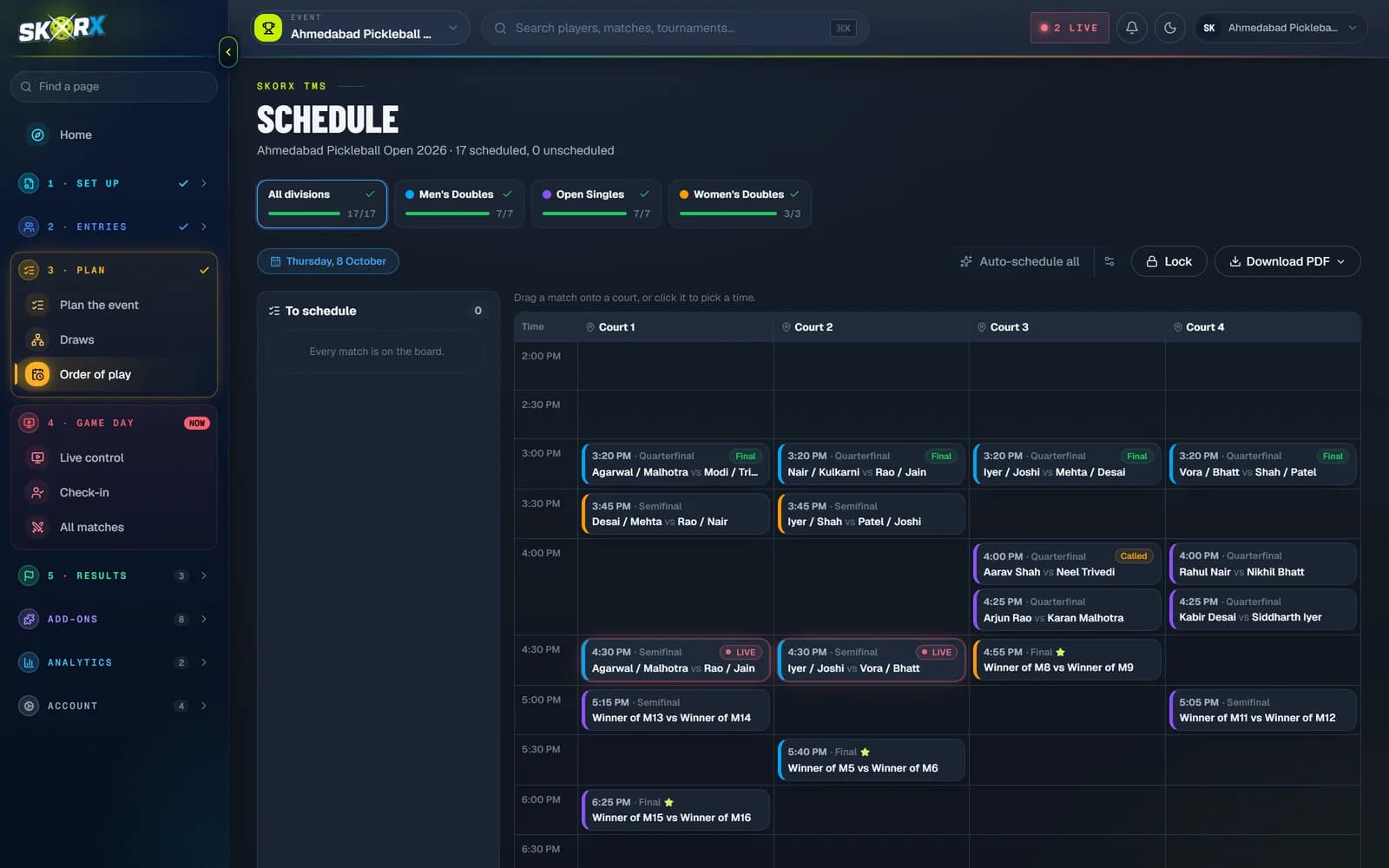
05Scheduling engine
Auto-schedule respects bracket order, turnaround time, court availability and player conflicts.
Every match placed on a court and time slot in bracket order.
No player is booked on two courts or back-to-back without rest.
Move a match by hand; lock the schedule when it's final.
Print the day's order of play for the desk and the courts.
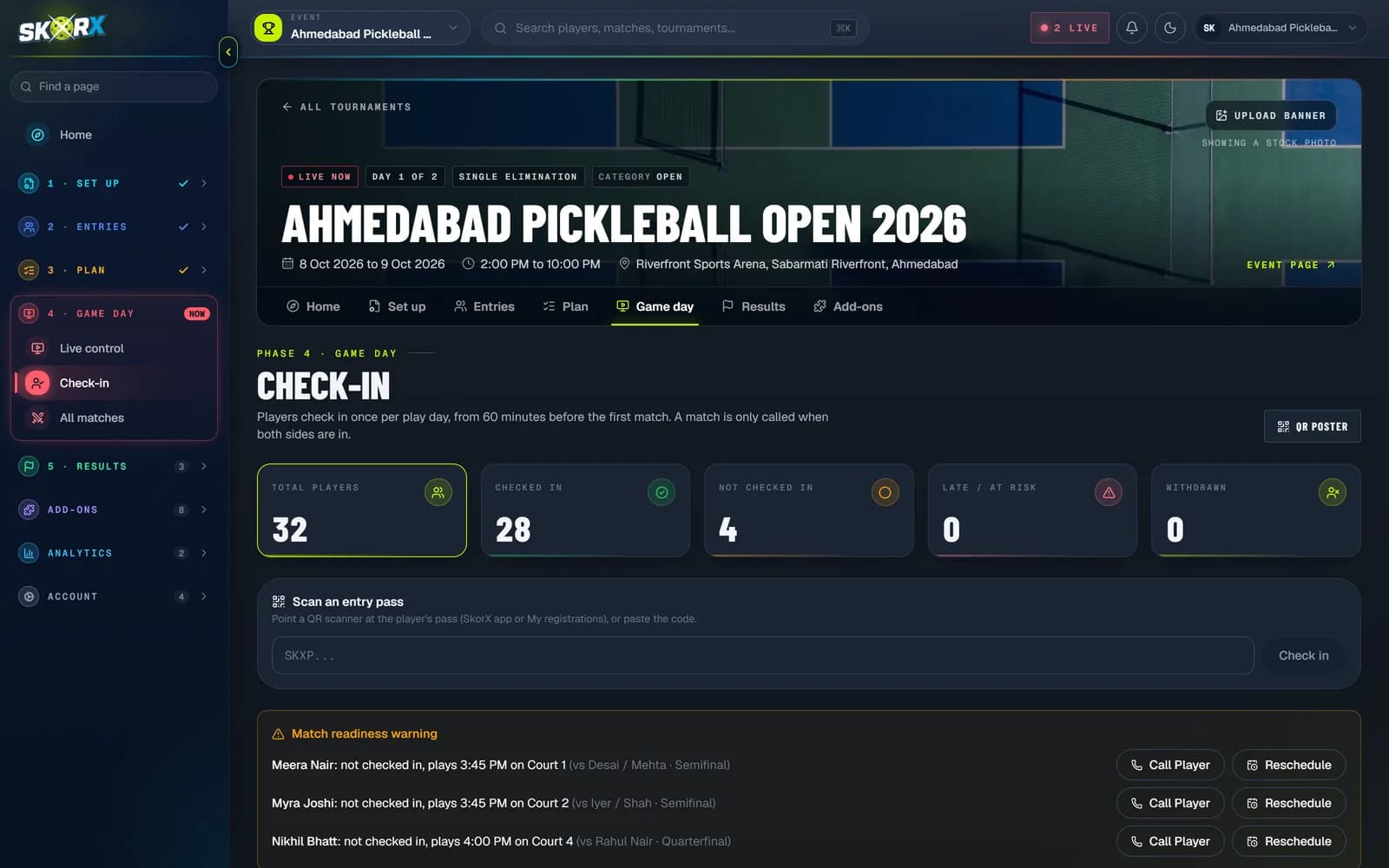
06Check-in
Player and team check-in at the desk, with match readiness warnings before a no-show delays a court.
Checked in, not checked in, at risk and withdrawn, for the whole event.
Who hasn't arrived for a match that starts soon, and on which court.
Call the player or reschedule the match from the same row.
Find a player or team fast, or scan them in.
07Referee portal
REAL REFEREE PORTAL SCREENS
08Live streaming
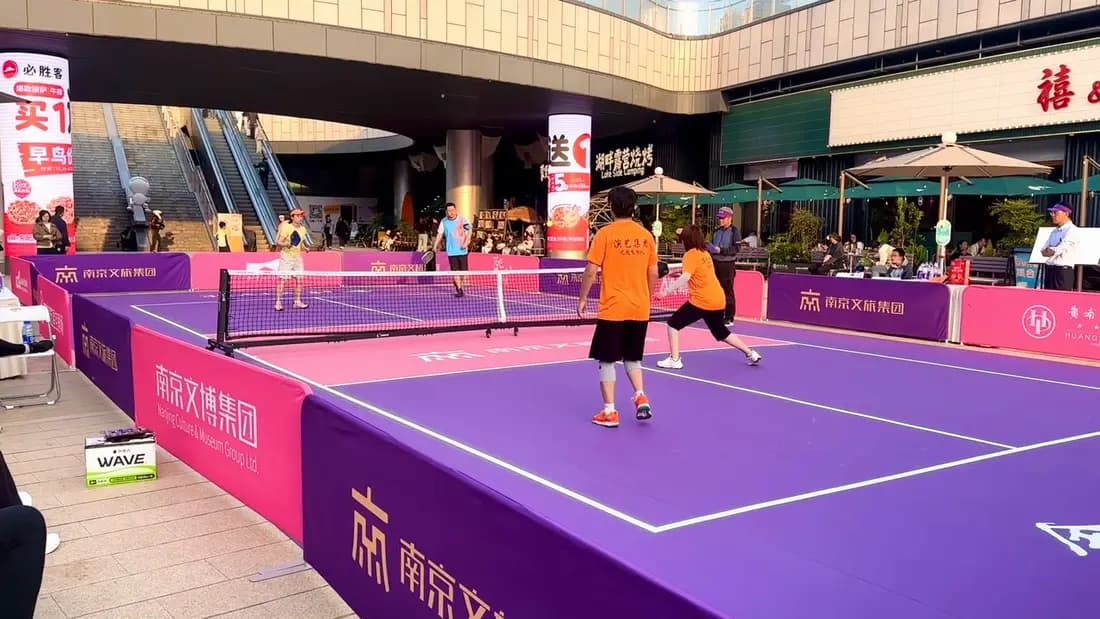
A court-by-court streaming dashboard for organizers. Public match pages show the stream whenever one is live for that court.
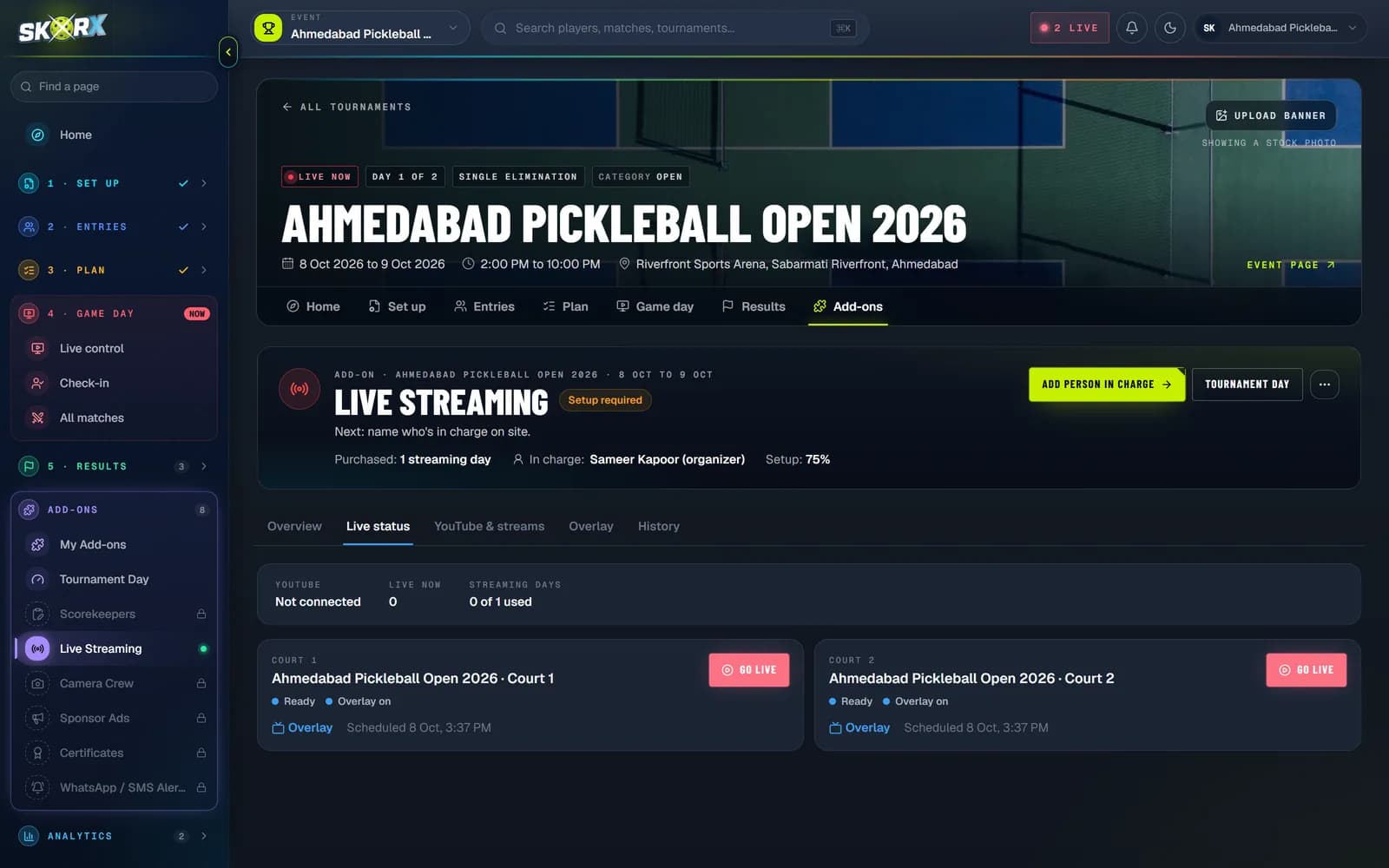
Court 1
STREAMING NOW

Court 2
OFFLINE

Court 3
READY TO GO LIVE
09Leaderboard + points table
Standings are calculated automatically from match results: played, won, lost, games and point difference, per division and format.
Points table.P, W, L, games and points ± with each team's bracket status.
10Ratings
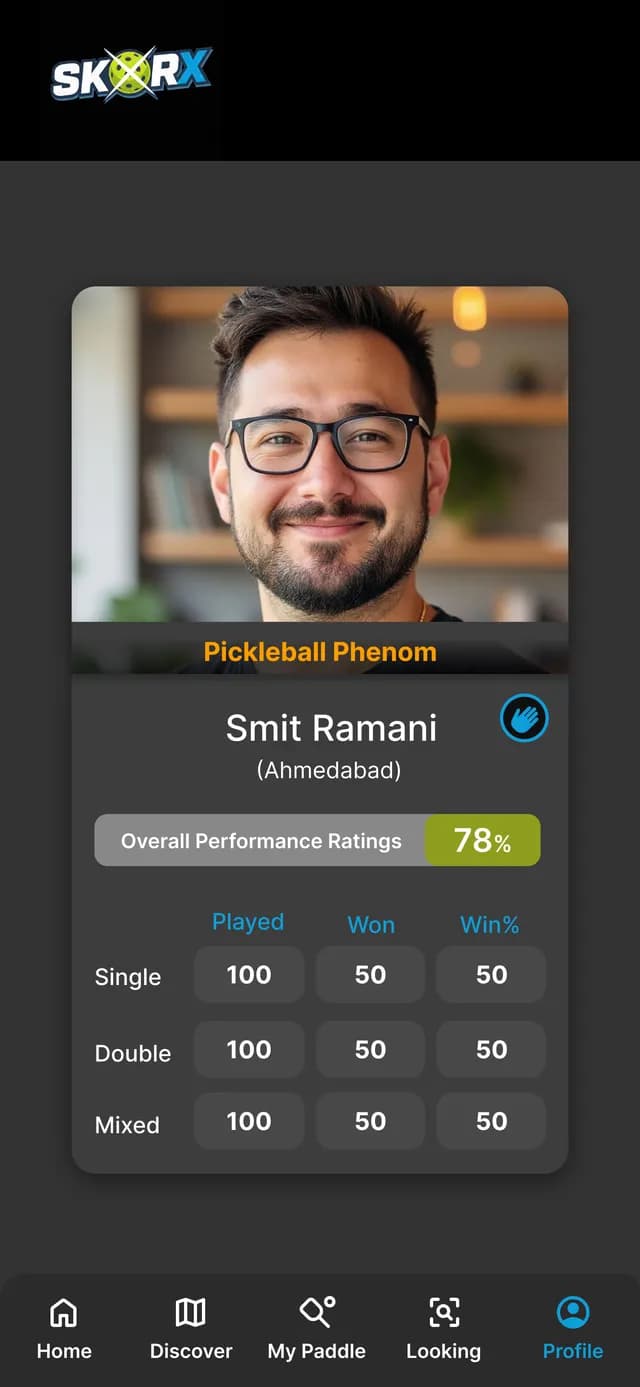
OVERALL PERFORMANCE
In app0%
In-app rating from your results
SINGLES WIN RATE
In app0%
120 games · 88 won
RATING PROVIDERS
Integration layerDesigned
Results flow to providers via a common integration layer
11The SkorX difference
No duplicate data entry.
One result, entered once by the official on court, updates the entire ecosystem: the bracket, the schedule, the standings, the public page and the player's history.
Referee
SCORES THE RALLY
Live score
POINT RECORDED
Match
RESULT CONFIRMED
Bracket
WINNER ADVANCES
Schedule
NEXT MATCH QUEUED
Standings
TABLE RECALCULATED
Public page
FANS SEE IT
Player history
PROFILE UPDATED
Ratings
READY FOR PROVIDERS
WITHOUT ONE PLATFORM
The same score typed into five places, and five chances to get it wrong.
WITH SKORX
1 result.
Every screen.
Organizers, referees, players and fans all read the same source of truth.
12Why SkorX
Serve, server number and positions follow the rules, so there's less to argue about mid-game.
Scores feed brackets, schedules and standings as matches finish.
App, web, referee portal and TMS share one source of truth.
Two experiences designed around how each actually uses the game.
Draw generation, auto-scheduling and winner progression do the busywork.
From a club night to a multi-court, multi-division event.
The SkorX Tournament Management System (SkorX TMS) is web-based pickleball tournament software for registrations, divisions, draws and brackets, court scheduling, check-in, referee scoring, live scores, streaming and standings.
Single elimination, Double elimination, Round robin, Round robin into knockout, Pool play into knockout, 3-game guarantee, Custom multi-stage. The planner shows the match count and playing time for each before you publish.
Yes. SkorX auto-schedules matches across your courts in bracket order and flags court clashes, player clashes and short rest. You can lock or move any match and download the schedule as a PDF.
Referees and scorers use the SkorX referee portal on their phones. Each result updates brackets, standings, the schedule and live scores automatically.
No. Players register and follow the tournament in a browser. The free SkorX Scoring App adds match history and a player profile.
TMS plans from ₹999 + GST per tournament, or ₹9,999 + GST for 12 months. Prices exclude GST. See pricing for every plan and add-on.
FOR TOURNAMENT ORGANIZERS