
Solutions · referees and scorers
SkorX for pickleball referees
Focus on the rally, not the arithmetic. The console knows who serves, from where and what the call is, and your result reaches the desk the moment you confirm it.
Updated By SkorX Team1 min read
How do referees score matches on SkorX?
Referees and scorers at SkorX tournaments use the SkorX referee portal on their phones. It shows only the matches assigned to them. For each rally they tap which side won, and the console applies the rules: it updates the score, serving team, server number and player positions. When the match ends they confirm the result, which updates the bracket, standings and live scores.
At a glance
- Device
- Any phone
- Access
- Assigned matches only, no organizer admin
- Handles
- Doubles three-number calls and singles scoring
- Special results
- Walkovers and retirements
- Result goes to
- Bracket, standings, schedule and live scores
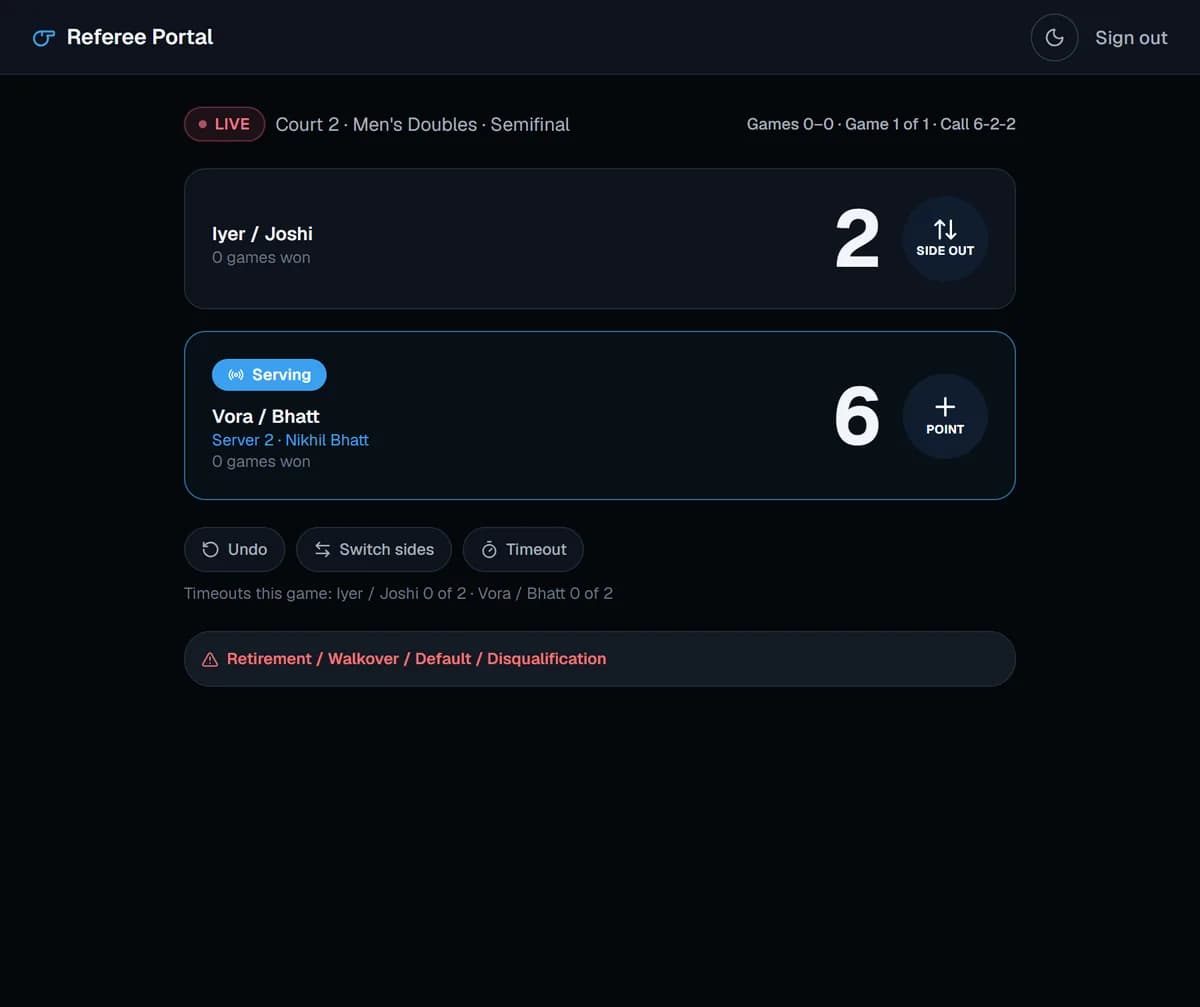
A match on the referee portal
- Open the portal and pick your current assigned match.
- Start the match. The console shows both teams and who serves first.
- Tap the side that won each rally. The score, server and positions update.
- Call the score shown on screen before each serve.
- Confirm the result at the end. It reaches the desk immediately.
Why officials like it
- No more losing track of the server number after a long rally.
- No paper score sheets to carry back to the desk.
- Fewer disputes: the call on screen follows the rules.
- Only your matches, so there is nothing to break.
New to officiating? Read how to referee a pickleball match and brush up on pickleball scoring.
Frequently asked questions
Do referees need an organizer account?
No. Referees use the focused portal, which only shows their assigned matches.
Does the referee portal work for singles?
Yes. It handles singles two-number scoring and doubles three-number scoring.
What if a team does not show up?
Record the match as a walkover so the bracket and standings still advance correctly.