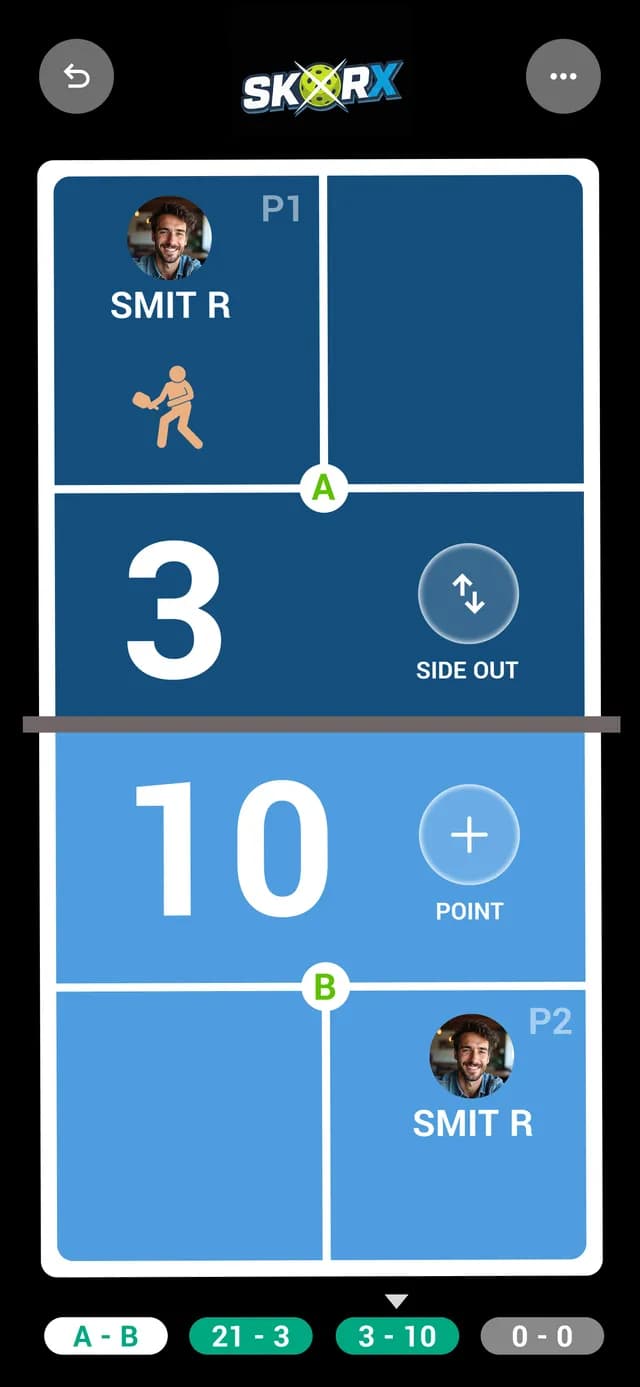
Pickleball Referee Scoring Portal
Add-on · Referee PortalScore it right. First time.
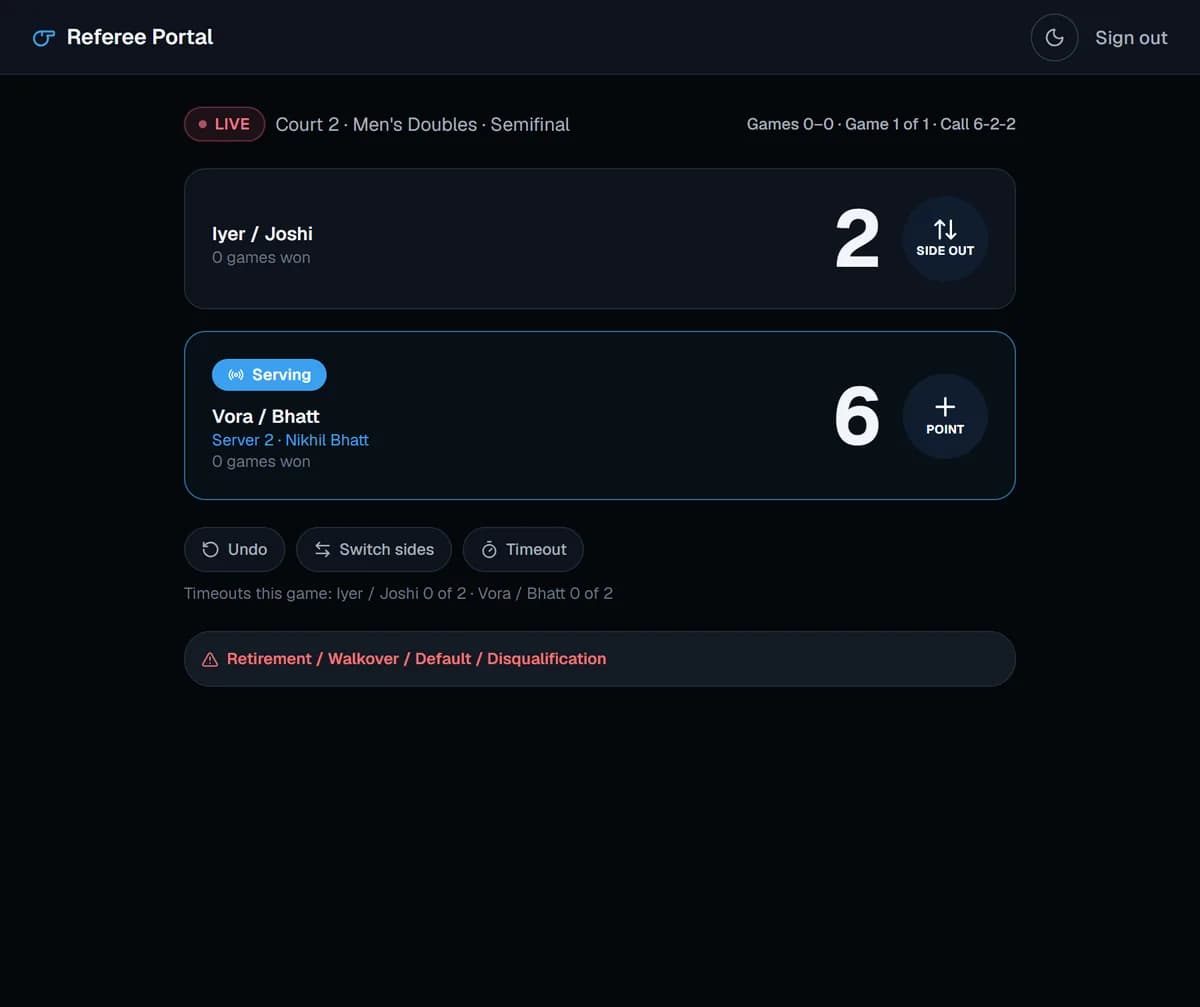
Referees sign in to a simple console that shows only their assigned matches. SkorX applies the scoring rules, so the server, server number and positions are always correct, and every result reaches the desk instantly.
01What you get
What you get with Referee Portal
01
Assigned matches only
No organizer admin screens. Officials see their current and next match, nothing else.
02
Rule-aware scoring
The console tracks the serving team, server number and player positions after every rally.
03
One tap per rally
Big, clear buttons that work on any phone, indoors or outside in bright light.
04
Results update everything
The final score flows to brackets, standings, the schedule and live scores the moment the match ends.
- 1Add your referees and scorers under Referees & Staff.
- 2Assign officials to matches and courts.
- 3Referees open the portal on their phone and start the match.
- 4They score rally by rally and confirm the result at the end.
03FAQ
Good questions.
Do referees need a separate account?
Referees use a focused portal that only shows their assigned matches, with no access to organizer administration.
Does it work for singles and doubles?
Yes. The console handles doubles three-number scoring and singles two-number scoring.
What if a match ends in a walkover or retirement?
The result can be recorded as a walkover so the bracket and standings still advance correctly.