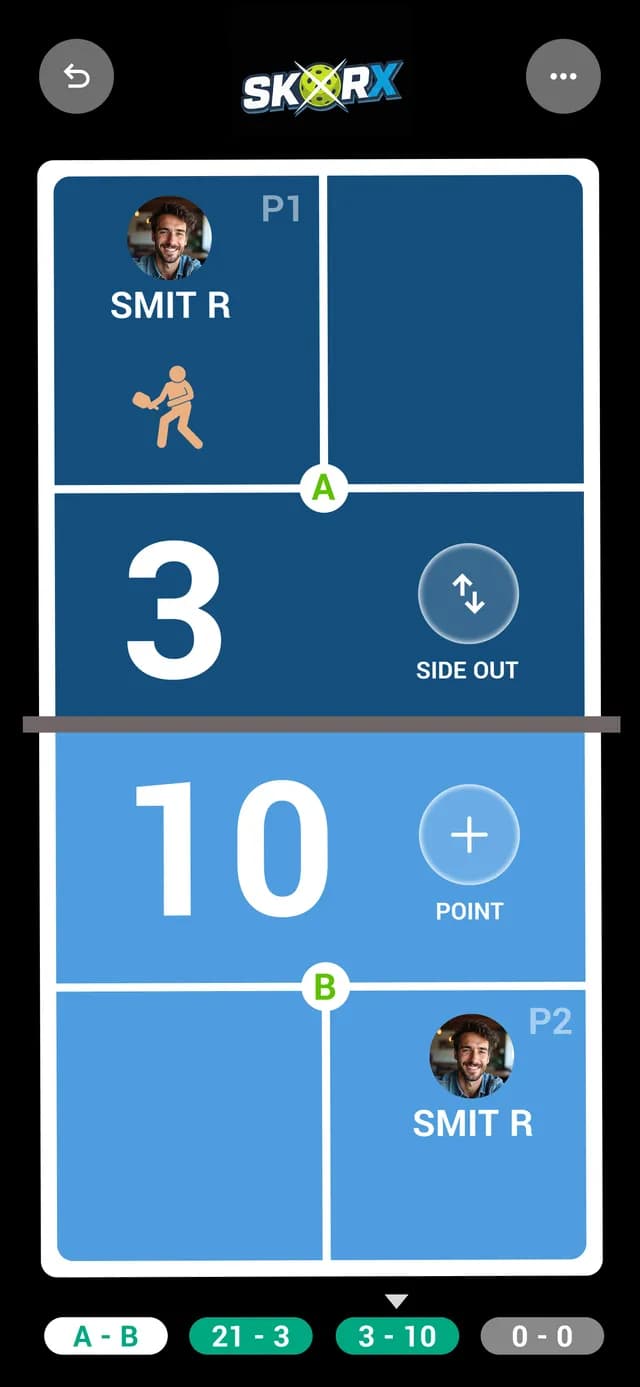
Pickleball Live Streaming with Score Overlays
Add-on · Live StreamingEvery court. On air.
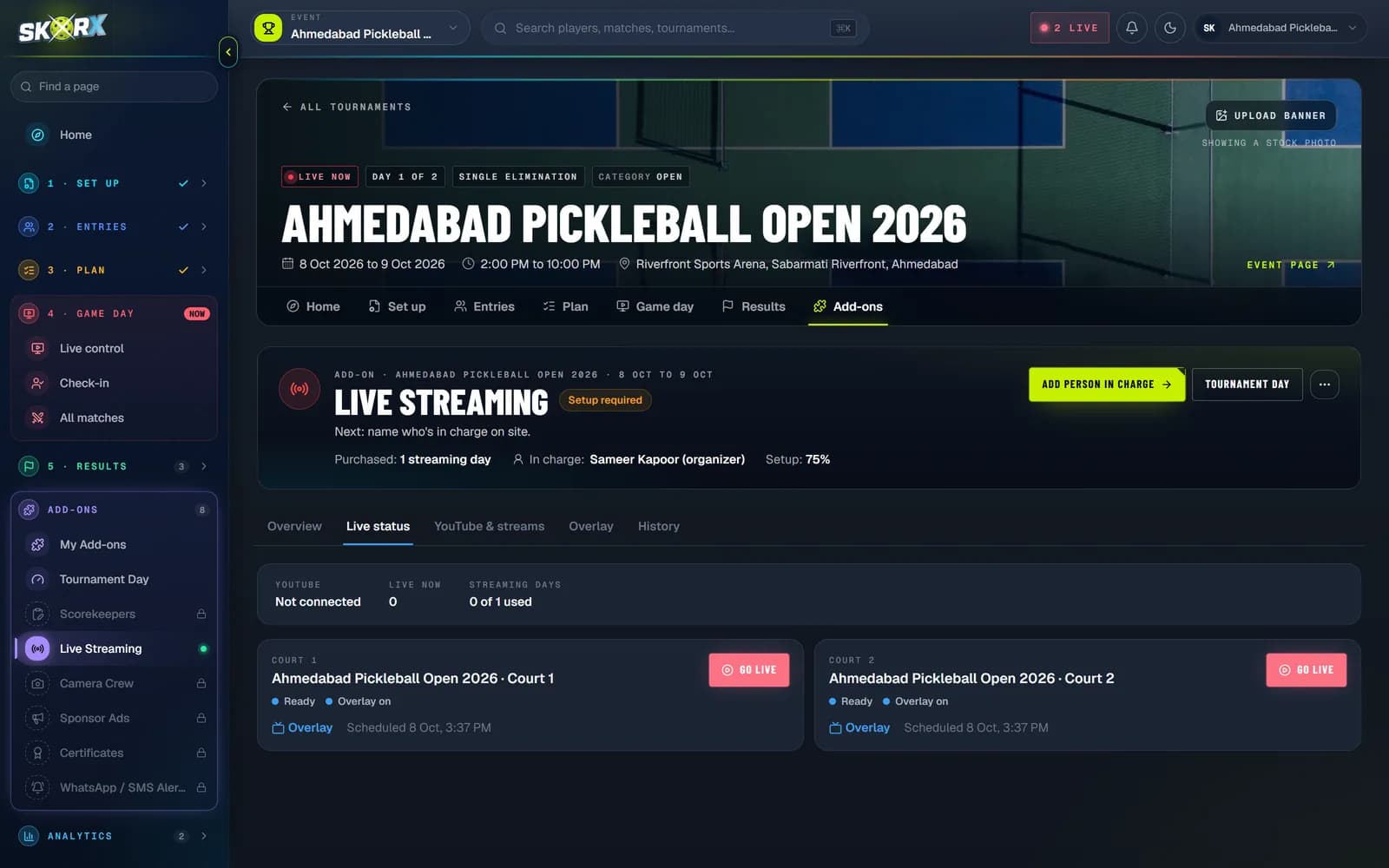
Set up a stream for each court, go live from the tournament dashboard and let the official score drive the on-screen overlay. Families, fans and sponsors watch the matches they care about.
01What you get
What you get with Live Streaming
01
Court-by-court streams
Configure one stream per court and see which courts are live, ready or offline at a glance.
02
YouTube, Facebook or RTMP
Send each court to YouTube, Facebook or any custom RTMP destination you already use.
03
Live score overlay
Turn on the score and logo overlay so viewers see the real score, updated point by point by the referee.
04
Sponsor visibility
Put partner logos in front of every viewer of every streamed match, not only the final.
02How it works
Set up in minutes.
- 1Open Streaming in your tournament dashboard.
- 2Add a stream for each court: platform, title, stream URL and key.
- 3Choose whether to show the score and logo overlay.
- 4Start and stop each court's stream from the dashboard as matches begin and end.
03FAQ
Good questions.
Do I need special cameras?
No. Use any camera or phone setup that can send to your streaming platform. SkorX manages the stream settings and the score overlay for each court.
Where does the overlay score come from?
From the official match score entered by the referee or scorer in SkorX, so viewers always see the same score as the court.
Can viewers find streams without a link?
Live matches appear on the public SkorX match and tournament pages, alongside the live score.